
This document is the user guide for HP Smart Tank series printers, providing information about the features and functions of the 660-670 series, 710-720 series, and 750 series.
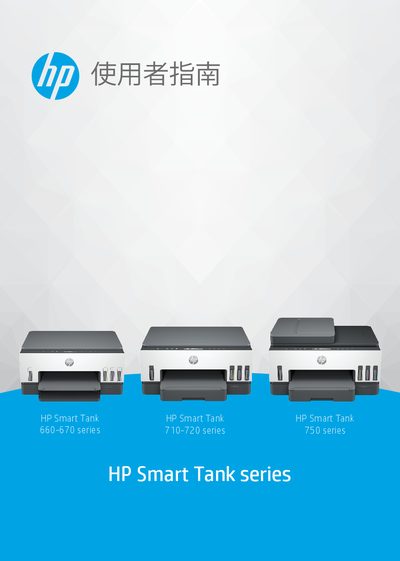
This document serves as the comprehensive user guide for the HP Smart Tank 660-670, 710-720, and 750 series printers. It provides detailed instructions on initial setup, including connecting the printer to a Wi-Fi network via HP Smart or using WPS. The guide also explains how to load paper and media, perform printing, copying, and scanning tasks, and manage ink levels and print head maintenance. This manual is written in Chinese.
You must unplug the power cord from the wall outlet before cleaning the product.
Install the product in a protected area where no one can step on or trip over the power cord.
No, there are no user-serviceable parts inside the product; consult a qualified service representative for repairs.