
Epson Stylus Pro 11880 Assembly and Setup Manual

This document is a manual for assembling and setting up a printer. The manual includes a list of accessories, assembling the stand, installing the automatic paper receiver, installing printer drivers and software, and more.
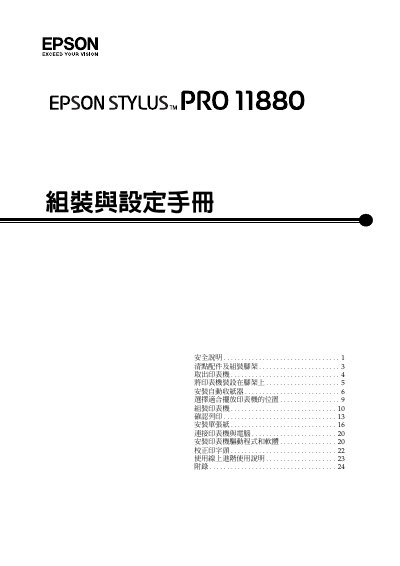

Epson Stylus Pro 11880 Assembly and Setup Manual - cover page
Brand
Epson
Category
Printer
Document type
User Manual
Language
Chinese
Pages
28
File format
PDF
File size
1.7 MB
Published
30 September, 2022
Updated
28 September, 2023
MD5 checksum
C238F4FD4EF4294A52A944A493647D6B

About this manual

This document serves as an assembly and setup guide for the Epson Stylus Pro 11880 printer. It covers safety precautions, unpacking, and the step-by-step process of assembling the stand and mounting the heavy printer unit. The guide also details the installation of the automatic paper feed system and the initial configuration of the printer. This manual is written in Chinese.

What's inside

  • Safety Instructions
  • Checking Contents
  • Assembling the Stand
  • Removing the Printer
  • Installing the Printer on the Stand
  • Installing the Automatic Paper Feed
  • Installing the Paper Support Board
  • Connecting to Computer
  • Installing Driver Software
  • Head Alignment

Frequently asked questions

How many people are required to assemble the stand?

Two people are required to assemble the stand.

How many people are needed to lift the printer host?

At least four people are needed to lift the printer host.

How long must an ink cartridge sit at room temperature after moving from a cold place?

The ink cartridge must sit at room temperature for at least four hours.

Download PDF (1.7 MB)

More Epson Manuals


View all Epson manuals →