
This document is a user guide for the HP Officejet 4610 All-in-One series and HP Officejet 4620 e-All-in-One series. The document describes the features and characteristics of these two products.
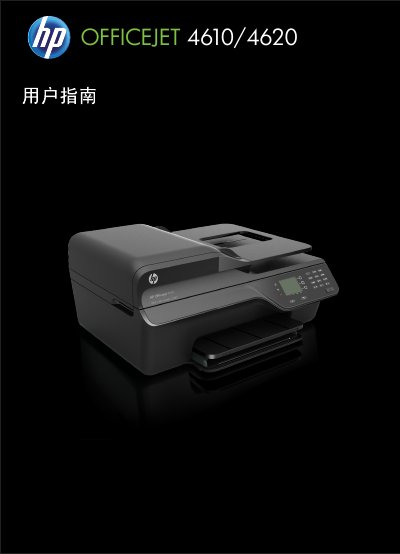
This manual provides instructions for the HP Officejet 4610 All-in-One series and the HP Officejet 4620 e-All-in-One series. It covers getting started, using the printer controls, and managing power and consumables. Detailed sections guide users through printing documents and photos, scanning originals to a computer, copying, and sending or receiving faxes. The HP Officejet 4620 e-All-in-One series also includes specific instructions for HP ePrint and wireless setup. This manual is written in Chinese.
| Product Series | Officejet 4610 All-in-One series / Officejet 4620 e-All-in-One series |
|---|
You must unplug the power cord from the wall outlet before cleaning the product.
No, there are no user-serviceable parts inside the product; contact qualified service personnel for repairs.
Windows, Windows XP, and Windows Vista are trademarks of Microsoft Corporation.