
This document provides detailed information about the control panel functions of the HP DeskJet Ink Advantage Ultra 4800 All-in-One series 2 printer, as well as common issues and solutions.
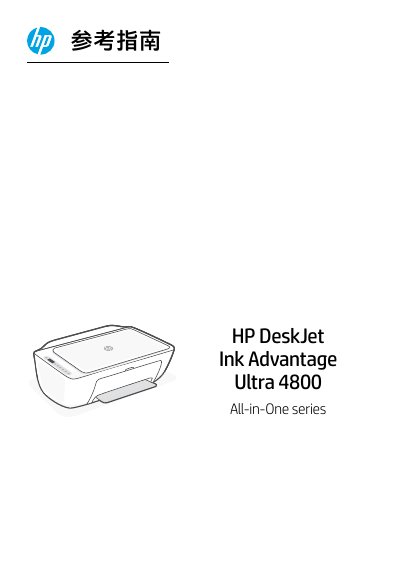
This document serves as a reference guide for the HP DeskJet Ink Advantage Ultra 4800 All-in-One series. It details the functions of the control panel buttons and indicators, including power, cancel, resume, info, wireless status, and copy functions.
The guide also provides troubleshooting tips for Wi-Fi connection issues, such as setting up the printer in Wi-Fi mode or resolving signal range problems. Additionally, it includes instructions for installing ink cartridges and loading paper into the input tray. This manual is written in Chinese.
Press the power button to turn the printer on or off.
The printer supports Letter or A4 paper sizes.
Restart the setup mode by pressing and releasing the power button simultaneously until the wireless indicator flashes blue.