
The HP DeskJet Plus Ink Advantage 6078 is a wireless home inkjet all-in-one printer suitable for any home and any device. It meets the printing, scanning, and copying needs of daily documents, school assignments, photos, etc. It can quickly set up wireless connection through the HP Smart app. It has dual-band Wi-Fi™ for stable and efficient connection, and can quickly connect to mobile phones or tablets via Bluetooth. It supports printing, scanning, and copying functions in one machine. Download the HP Smart app to easily print daily documents from your phone. It provides excellent quality and is reliable.
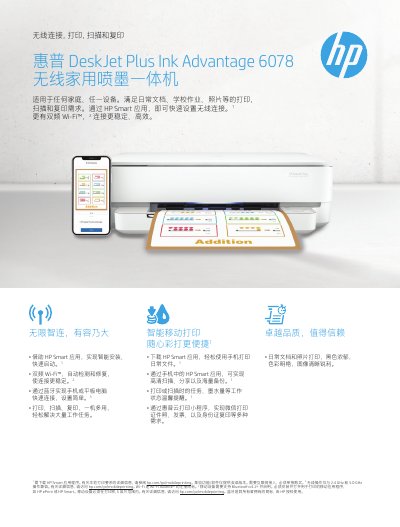
The HP DeskJet Plus Ink Advantage 6078 is a wireless home inkjet all-in-one printer designed for daily documents, school assignments, and photos. It supports dual-band Wi-Fi and Bluetooth connectivity, allowing users to print from mobile devices using the HP Smart application or other supported apps like HP ePrint.
The document provides detailed technical specifications including printing speeds up to 20 pages per minute in draft mode (black and white), scanning resolution of up to 1200 dpi, and copying capabilities. It also lists compatible operating systems, paper sizes, and available warranty service plans. This manual is written in Chinese.
| Print Technology | HP Thermal Inkjet technology |
|---|---|
| Wireless Connectivity | Dual-band Wi-Fi 802.11ac |
| Bluetooth Support | Bluetooth v4.2+ |
| Print Speed (B&W Draft) | Up to 20 ppm |
| First Page Out Time (Color) | 21 seconds |
| Scan Resolution | Up to 1200 dpi optical |
| Copy Speed (Color) | Up to 4 ppm |
| Input Tray Capacity | 100 sheets |
Users need to install and open a mobile application such as HP ePrint or HP Smart.
Yes, it supports Apple AirPrint for printing from iOS and OS X devices.