
The Lenovo M710q User Guide and Hardware Maintenance Manual provides an overview, specifications, and step‑by‑step instructions for replacing parts and…
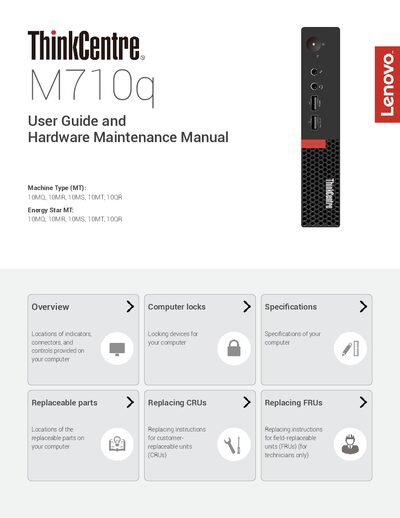
This manual covers the Lenovo M710q tiny desktop, describing the locations of indicators, connectors, and controls, as well as replaceable parts and computer locks. It is intended for both end users and technicians who need to perform hardware maintenance.
Key sections include specifications, detailed procedures for replacing customer‑replaceable units (CRUs) and field‑replaceable units (FRUs), instructions for using the optional I/O box, and guidance on attaching a Kensington‑style cable lock. The document also lists optional power‑supply options and expansion capabilities.
| Power supply | 65 W automatic voltage‑sensing (optional 90 W) |
|---|---|
| Storage drives | Up to two storage drives |
| Physical dimensions | Width 35 mm, Height 183 mm, Depth 179 mm |
| Weight (maximum configuration) | 1.3 kg (2.9 lb) |
| Network features | Ethernet LAN, optional Wireless LAN and Bluetooth |
Connect the lock to the security‑lock slot at the rear of the computer; the lock can be keyed or combination and also secures the cover buttons.
The I/O box supports a maximum current rating of 5 A, with USB 2.0 ports delivering 500 mA and USB 3.0 ports delivering 900 mA.
Enable or disable the USB connectors on the rear of the computer; this controls all I/O box connectors.