
SONBEST SD5190B LCD display atmospheric pressure and temperature and humidity integrated sensor user manual, introduces product functions and usage methods.
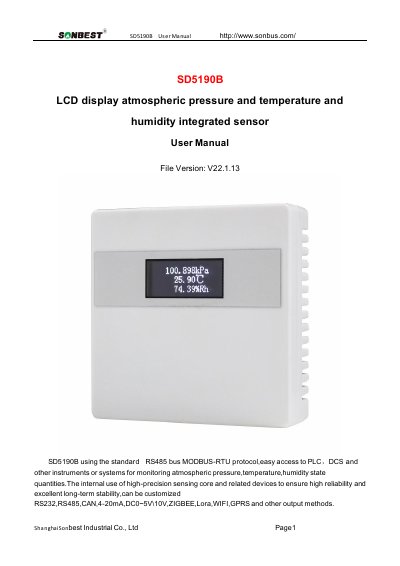
The SONBEST SD5190B is an integrated sensor designed to measure atmospheric pressure, temperature, and humidity. It features an internal LCD display and utilizes a high-precision sensing core to ensure reliability and long-term stability. The device supports various output methods including RS232, RS485, CAN, 4-20mA, DC0~5V/10V, ZIGBEE, Lora, WIFI, GPRS, and others.
| Atmospheric pressure range | 30~110kpa |
|---|---|
| Atmospheric pressure accuracy | ±0.5% |
| Temperature measuring range | -30℃~80℃ |
| Temperature measuring accuracy | ±0.5℃ @25℃ |
| Humidity measuring range | 0~100%RH |
| Humidity accuracy | ±3%RH @25 ℃ |
| Communication Interface | RS485 |
| Default baud rate | 9600 8 n 1 |
| Power supply | DC9~24V 1A |
| Display type | LCD |
| Running temperature | -40~80°C |
| Working humidity | 5%RH~90%RH |
The default device address is 1 when the device is shipped.
The default baud rate is 9600, 8, n, 1.
The product uses the standard RS485 bus MODBUS-RTU protocol.
The sensor requires a DC power supply of 9~24V at 1A.