
This document is a user guide for the HP Officejet 6500 (E709) All-in-One series printer. The document provides detailed information about getting started, device control panel, printing, scanning, and more for this printer.
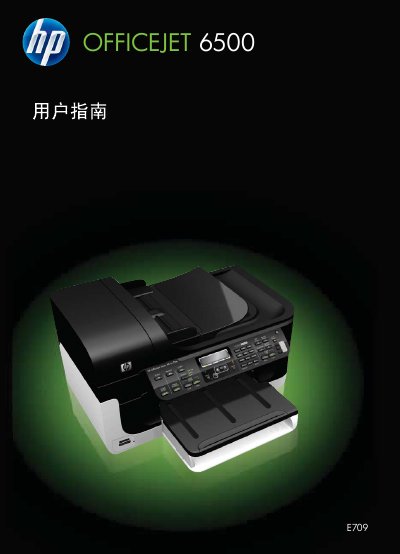
This document serves as a comprehensive user manual for the HP Officejet 6500 (E709) All-in-One series. It provides instructions on getting started with the device, understanding its components, and navigating the control panel menus.
The guide details procedures for using the printer's core functions, including printing documents and photos from various media types, scanning originals to a computer or storage device, sending and receiving faxes, and making copies. It also covers configuration options for network connections (wired and wireless) and fax settings. This manual is written in Chinese.
The model number for this device is E709.
The product supports Secure Digital storage cards.
You must unplug the power cord from the wall outlet before cleaning.
Qualified repair personnel should be contacted for any repair matters.