
SM3561B is a light intensity sensor that uses RS485 interface, suitable for monitoring light intensity and other status parameters. This product has high reliability and long-term stability, and can be customized with multiple output methods.
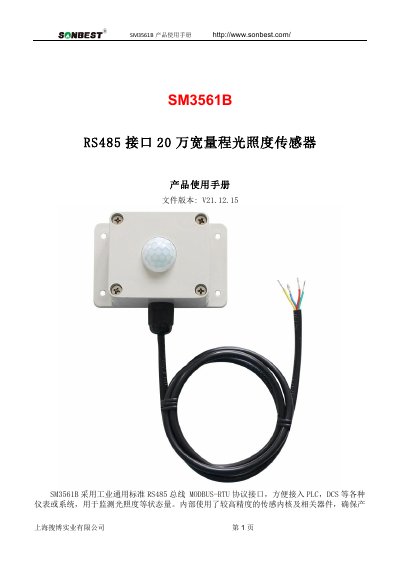
The SONBEST SM3561B is a light intensity sensor designed for industrial environments, featuring a high-precision digital sensing core and a wide measurement range of 0 to 20,000 Lux. It supports the standard RS485 bus with the MODBUS-RTU protocol, facilitating easy integration with PLCs, DCS systems, and other instrumentation. The device offers high reliability and long-term stability, with customizable output options including RS232, CAN, 4-20mA, and various wireless modules.
This user manual provides detailed instructions on the device's technical parameters, such as operating temperature and power supply requirements. It also explains the communication protocol in depth, including how to read data, modify the device address, change the baud rate, and adjust calibration values using specific hexadecimal command frames. This manual is written in Chinese.
| Light Measurement Range | 0~20,000 Lux |
|---|---|
| Light Measurement Error | ±7% |
| Wavelength Measurement Range | 380nm~730nm |
| Communication Interface | RS485 |
| Default Baud Rate | 9600 8 n 1 |
| Power Supply | DC9~24V |
| Operating Temperature | -40~80°C |
| Operating Humidity | 5%RH~90%RH |
The data multiplier for light intensity is 10, meaning the raw value must be multiplied by 10 to get the real value.
Send the command FA 03 00 66 00 01 71 9E using the universal address 250 (FA) to retrieve the real device address.
The default device address is 1 when the equipment leaves the factory.