
D-Link DCs-930/DCs-930l Wireless N Home Network Camera User Guide

The DCs-930/DCs-930l Wireless N Home Network Camera is a unique and versatile surveillance solution for your home or small office. It features low-light recording and high-quality video, allowing you to remotely monitor your home or office over the internet.
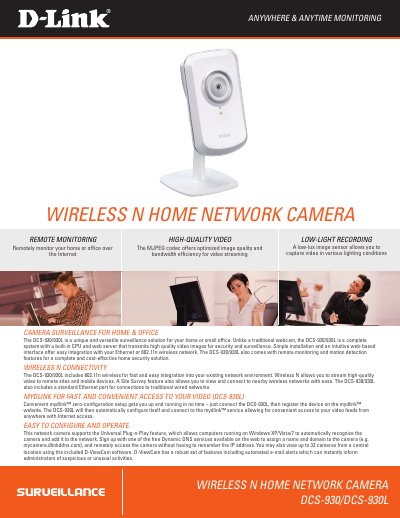

D-Link DCs-930/DCs-930l Wireless N Home Network Camera User Guide - cover page
Brand
D-Link
Category
Video Player
Document type
User Manual
Language
English
Pages
2
File format
PDF
File size
537 KB
Updated
28 September, 2023
MD5 checksum
F93BBA3A0CFCCB09F79D27DC02630D0C

About this manual

The D-Link DCs-930/DCs-930l is a versatile surveillance solution designed for home or small office use, offering remote monitoring and motion detection capabilities. It features built-in CPU and web server functionality to transmit high-quality video images over an Ethernet or 802.11n wireless network.

What's inside

  • Remote Monitoring
  • Motion Detection
  • Low-Light Recording
  • Wireless Connectivity
  • D-ViewCam Software
  • Technical Specifications

Frequently asked questions

What is the minimum light level required for video recording?

The camera can capture video in low-light conditions down to a minimum illumination of 1 lux.

What are the supported operating systems for this network camera?

The device supports Microsoft Windows XP, Vista, and Windows 7.

How many cameras can be monitored from a central location using the included software?

You may view up to 32 cameras from a central location using D-ViewCam.

Download PDF (537 KB)

More D-Link Manuals


View all D-Link manuals →