
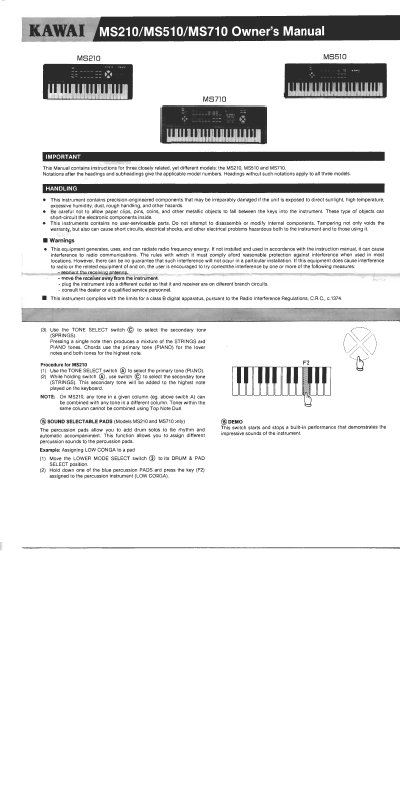
This manual provides instructions for the Kawai MS210, MS510, and MS710 electronic keyboards. It covers handling precautions, power operation using batteries or AC adaptors, and connection methods for audio equipment and MIDI instruments. The document details the functions of the Tone Select, Rhythm Select, and Lower Mode Select switches, as well as the One Finger Ad-Lib feature available on specific models.
| Keys | 24 / 20 / 16 |
|---|---|
| Rhythm patterns | 24 / 20 / 16 |
| TOP NOTE DUAL | 576 / 400 / 192 |
| Dimensions (MS210) | 653 x 292 x 77 mm |
| Dimensions (MS510) | 642 x 211 x 70 mm |
| Dimensions (MS710) | 596 x 199 x 52 mm |
| Weight (MS210) | 24 kg |
| Batteries (MS210/MS510) | Six size "AA" |
| Batteries (MS710) | Six size "C" |
The MS210 and MS510 require six size "AA" dry cells.
The MS710 requires six size "C" dry cells.
Yes, connecting the MS710 to other MIDI instruments requires standard MIDI cables.
This switch controls the lower section of the keyboard, assigning functions like melody, automatic accompaniment, or percussion.