
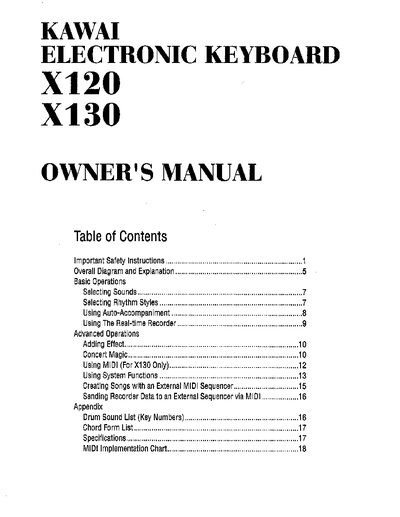
This owner's manual provides safety instructions, setup guidance, and detailed operation procedures for the Kawai X120/X130 electronic keyboard. It covers basic functions such as selecting sounds and rhythms, advanced features like Auto‑Accompaniment, MIDI usage (X130 only), and maintenance tips.
The document also includes an appendix with drum and chord lists, a full specifications table, and a MIDI implementation chart, helping users understand the instrument’s capabilities and technical requirements.
| Keyboard | 61 Keys (Full Size / Touch Response) |
|---|---|
| Sounds | 100 |
| Styles | 30 |
| Polyphony | Max. 28 notes |
| Effect | Stereo Chorus |
| Recorder | 1 Song (X130 only) |
| Jacks | DC In, Headphone, Pedal, MIDI In/Out (X130 only) |
| Speakers | 2 × 12 cm |
| Power | 10‑12 V, 0.5 A (6 C batteries or AC adaptor) |
| Dimensions | 91.2 cm × 30.7 cm × 9.6 cm (35.9" × 12.1" × 3.8") |
| Weight | 4.4 kg (9.7 lb) |
The keyboard has 61 full‑size, touch‑response keys.
It can play up to 28 notes simultaneously.
It can be powered by six C‑size batteries or an AC adaptor rated 10‑12 V, 0.5 A.
The instrument includes 30 accompaniment styles.