
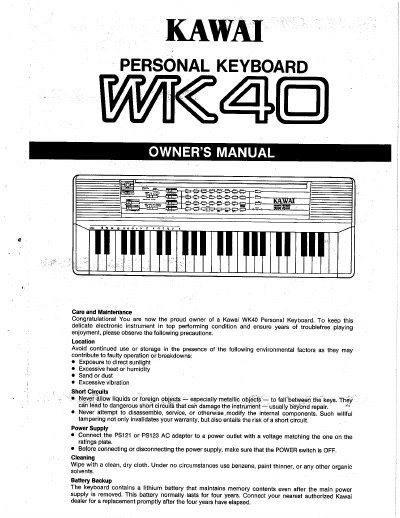
This manual provides care and maintenance instructions for the Kawai WK40 Personal Keyboard. It details precautions for location, power supply connection, and cleaning to ensure the instrument remains in top performing condition. The document also covers the battery backup system and authorized dealer contact information for battery replacement.
| Melody Tone Voices | 20 |
|---|---|
| Rhythm Patterns | 20 |
| Chord Tone Voices | 5 |
| Bass Tone Voices | 5 |
| Battery Type | Six C dry cells |
| Battery Backup Duration | four years |
The lithium battery that maintains memory contents normally lasts for four years and should be replaced promptly after this period.
The instrument runs on six C dry cells inserted into the battery compartment under the keyboard.
No, you should never use benzene, paint thinner, or any other organic solvents; only use a clean, dry cloth.