
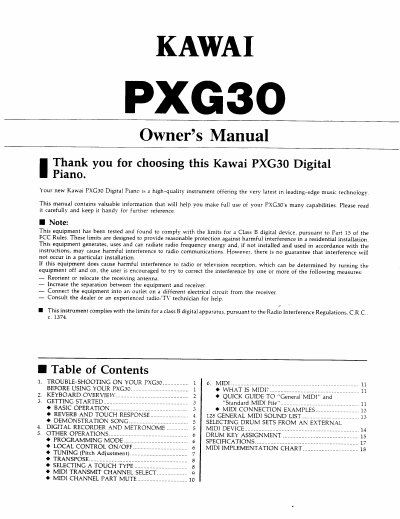
This manual provides instructions for the Kawai PXG30 Digital Piano, a high-quality instrument featuring leading-edge music technology. It covers essential topics including getting started, basic operation, and utilizing the keyboard's capabilities such as touch response and reverb.
| Minimum Battery Capacity | 0.5 Amp (500 mA) |
|---|---|
| Volume Range | 0 to 15 |
| Piano Sounds | 3 |
| Ensemble Instrument Sounds | 12 |
| General MIDI Tones | 128 |
We recommend using a KAWAI 12-volt adaptor.
Press the REVERB button to activate it.
Press the TOUCH button to activate it.
The keyboard assumes you meant to enter a single-digit number only.