
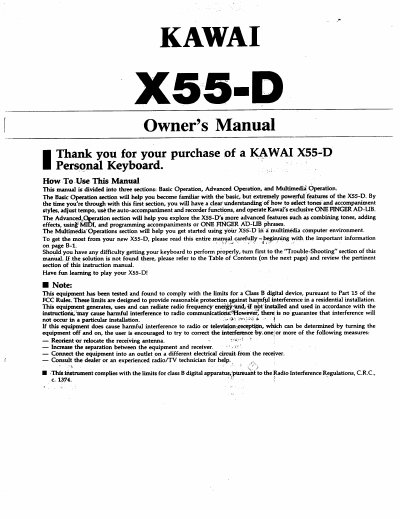
The Kawai X55-D Personal Keyboard Owner's Manual is divided into Basic Operation, Advanced Operation, and Multimedia Operation. It explains selecting sounds and accompaniment styles, changing tempo, using auto-accompaniment and recorder functions, and using ONE FINGER AD-LIB. The advanced section covers combining tones, adding effects, programming accompaniments, and using the SYSTEM/MIDI functions.
The keyboard can use a home AC outlet or six Size C dry cell batteries, and Kawai recommends a KAWAI 10-volt/1 Amp AC adaptor. The X55-D has four multi-directional speakers and OUTPUT 1 and OUTPUT 2 jacks for connecting to audio equipment. Internal memory contents are retained for up to five years by a built-in back-up battery, and a factory reset is performed by turning power on while holding keys C and E.
| Battery power | Six Size C dry cell batteries |
|---|---|
| Optional AC adaptor | PS-102 or PS-101 adaptor |
| Speakers | Four multi-directional speakers |
| Internal memory backup | Up to five years with built-in back-up battery |
It uses six Size C dry cell batteries.
Kawai recommends a KAWAI AC adaptor rated at 10 volts and 1 Amp.
Turn the power switch on while holding down keys C and E at the left end of the keyboard.
The built-in back-up battery keeps internal memory contents stored for up to five years.