
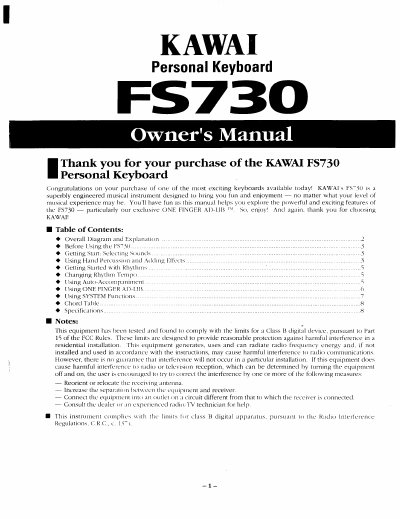
This document is the Owner's Manual for the Kawai FS730 Personal Keyboard. It guides users through the initial setup, sound selection, and operation of the built-in rhythms and auto-accompaniment features. The manual specifically details the use of the exclusive ONE FINGER AD-LIB technology for playing ad-lib phrases and changing chord progressions.
| Keyboard | 61 keys, Standard full-size (touch sensitive) |
|---|---|
| Sounds | 100 |
| Effects | Stereo Chorus, Sustain |
| Power source | Six size C dry cell batteries or Power adapter |
Press the TRANSPOSE function to adjust the pitch by a maximum of 12 half steps up or down.
The FS730 offers three touch types: Wide dynamic range, Narrow dynamic range, and Touch Response de-activated.
Press the ONE FINGER AD-LIB button to activate the feature which allows you to sound like a pro with the touch of a finger.