
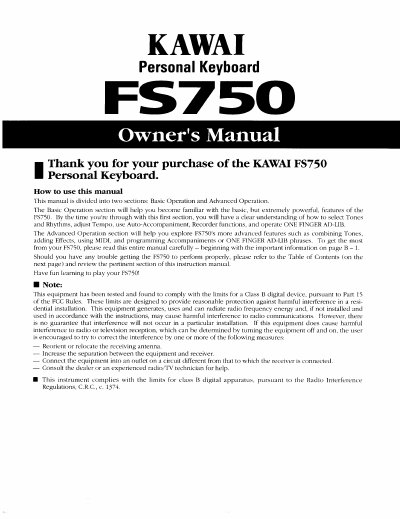
Kawai FS750 Personal Keyboard Owner's Manual


Kawai FS750 Personal Keyboard Owner's Manual - cover page
Brand
Kawai
Category
Other
Document type
User Manual
Language
English
Pages
40
File format
PDF
File size
2.5 MB
Published
10 August, 2012
Updated
31 August, 2012
MD5 checksum
3F2C5553D090F234B21C010FDF39F468

About this manual

This manual serves as the official guide for the Kawai FS750 Personal Keyboard. It is divided into two main sections: Basic Operation and Advanced Operation. The Basic Operation section helps users become familiar with fundamental features such as selecting tones and rhythms, adjusting tempo, using Auto-Accompaniment, and operating the ONE FINGER AD-LIB function. It also covers essential setup procedures like connecting power supplies and removing protective coverings.

What's inside

  • Before Using the FS750
  • Trouble Shooting
  • Overall Diagram and Explanation
  • Selecting Sounds
  • Creating Rhythm and Auto-Accompaniment Patterns
  • Using Auto-Accompaniment
  • Using the MIDI Functions
  • Creating Songs
  • Advanced Use of Sounds
  • Advanced Use of Auto-Accompaniment

Specifications

Memory RetentionUp to five years

Frequently asked questions

How do I remove the protective plastic covering on the front panel?

Carefully use a fingernail to lift up one of the corners, then slowly peel off the covering and discard it.

How many dry cell batteries are required to power the FS750?

The unit requires six Size C dry cell batteries to operate.

What is the recommended voltage and current rating for the AC power adaptor?

You should use a Kawai AC adaptor rated at 10 volt 1000 mA.

How long does the internal memory battery last before data may be lost?

The internal battery keeps stored data safe for a period of up to five years.

Download PDF (2.5 MB)

More Kawai Manuals


View all Kawai manuals →