
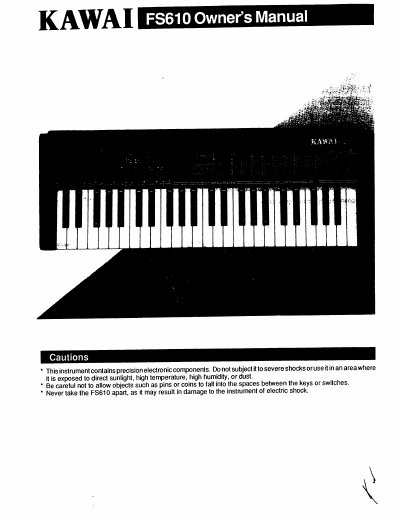
Kawai FS610 Electronic Keyboard Owner's Manual


Kawai FS610 Electronic Keyboard Owner's Manual - cover page
Brand
Kawai
Category
Musical instruments
Document type
User Manual
Language
English
Pages
8
File format
PDF
File size
355 KB
Published
10 August, 2012
Updated
28 August, 2012
MD5 checksum
616C1259C163F510C2FC96AF819E02C6

About this manual

This manual provides instructions for the Kawai FS610 electronic keyboard, detailing how to enter the SYSTEM MODE to adjust TUNE and TRANSPOSE settings. It explains the operation of various controls including the SOUND and RHYTHM selectors, the FOUR-WAY selector, and the INTRO/ENDING switch.

What's inside

  • SYSTEM MODE
  • TUNE and TRANSPOSE
  • SOUND and RHYTHM Selection
  • LOWER MODE
  • ONE FINGER AD-LIB
  • SYNC/FILL IN
  • TEMPO Controls
  • Recording Function
  • Keyboard Layout
  • Rear Panel

Frequently asked questions

How do I enter the SYSTEM MODE?

Press the sound selector and the RHYTHM selector at the same time if rhythm or recording are not activated.

What does the LOWER MODE switch do?

It allows the lower section of the keyboards to alternate between OFF, ON (automatic accompaniment), and DRUM modes.

How do I stop the rhythm function immediately?

Press the INTRO/ENDING switch two times continuously.

Download PDF (355 KB)

More Kawai Manuals


View all Kawai manuals →