
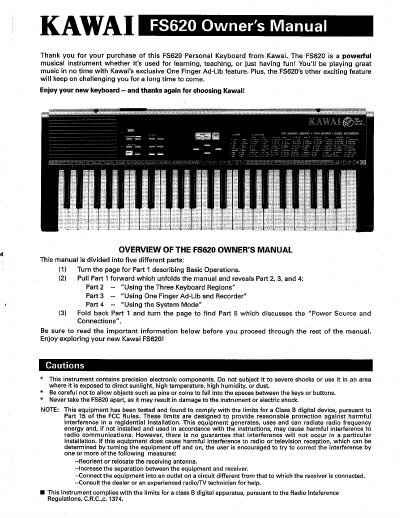
Kawai FS620 Personal Keyboard Owner's Manual


Kawai FS620 Personal Keyboard Owner's Manual - cover page
Brand
Kawai
Category
Musical instruments
Document type
User Manual
Language
English
Pages
7
File format
PDF
File size
323 KB
Published
10 August, 2012
Updated
28 August, 2012
MD5 checksum
9B8DFEF0070B1AFC2A6BE158D55360BF

About this manual

This document is the Owner's Manual for the Kawai FS620 Personal Keyboard. It provides instructions on how to operate the instrument, including basic controls, sound and rhythm selection, and the unique One Finger Ad-Lib feature. The manual is structured into five parts covering operations, keyboard regions, recording, system modes, and power connections.

What's inside

  • Basic Operations
  • Using the Three Keyboard Regions
  • Using One Finger Ad-Lib and Recorder
  • Using the System Mode
  • Power Source and Connections

Frequently asked questions

What are the three main uses for the Kawai FS620 keyboard?

The FS620 is designed for learning, teaching, or just having fun.

What happens to the volume when both volume buttons are pressed together?

The volume returns to the original setting when both the left and right buttons are pressed together.

What occurs if the rhythm function is already playing when START/STOP is pressed?

If the rhythm function is already in progress, the button will play an ending pattern and then stop the rhythm function.

Download PDF (323 KB)

More Kawai Manuals


View all Kawai manuals →