
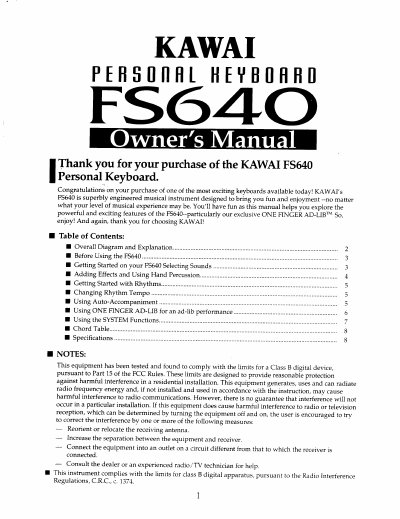
This manual provides instructions for the Kawai FS640 Personal Keyboard, a musical instrument designed for users of all experience levels. It details how to connect power, select from 100 built-in sounds, and utilize the split keyboard function. The guide explains how to add effects like Sustain and Stereo Chorus, and how to use the hand percussion keys for drum solos.
| Number of Sounds | 100 |
|---|---|
| Number of Rhythms | 30 |
| Number of Lower Keyboard Keys | 19 |
| Power Source | AC power outlet or six Size C dry cell batteries |
Press the SOUND button to select from among the one hundred sounds stored in the FS640, then use the SELECTOR buttons to change the number in the display window.
Press the SUSTAIN button to activate the effect, which lets notes sound for a longer duration. Press it again to cancel the effect.
It is an exclusive Kawai feature that allows you to sound like a pro with the touch of a finger using the dedicated keys.
Yes, by selecting sound number 90 (DRUM SET), the keys can be used to play percussion instruments assigned to them.