
This is an installation, programming & operation guide for Rain Bird E-Class irrigation system controller
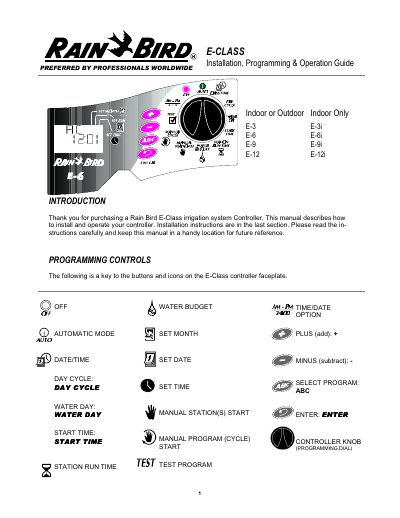
This manual provides instructions for installing and operating the Rain Bird E-Class indoor irrigation controller models E-3, E-6, E-9, and E-12. It details how to set the date and time, configure repeating day cycles, and establish watering schedules for multiple stations.
| Product Type | Indoor or Outdoor E-3 E-6 E-9 E-12 Indoor Only E-3i E-6i E-9i E-12i |
|---|---|
| Memory Retention | 24-30 hrs |
| Default Program Date | 01/01/96 |
| Default Program Time | 12:00 AM |
| Default Start Time | 8:00 AM |
| Default Station Timing | 10 minute each |
Set the dial to AUTO and repeatedly press the ENTER key to manually advance through the stations.
With the dial at Auto, open the lower cover and momentarily connect two contacts at the back of the RESET Tunnel with a metal object.
The controller automatically shuts off the station with the fault and displays the problem station's number with the letters "Err".