
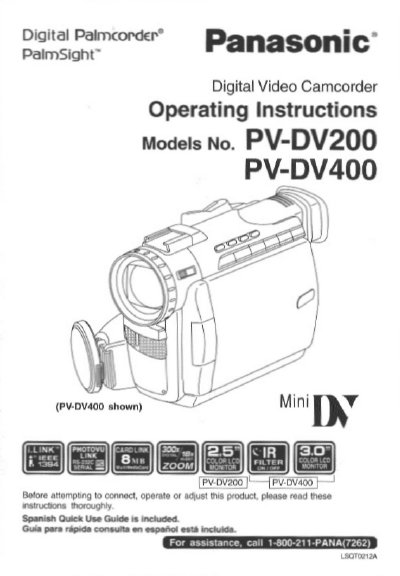
Panasonic PV-DV200/PV-DV400 Digital Video Camcorder Operating Instructions


Panasonic PV-DV200/PV-DV400 Digital Video Camcorder Operating Instructions - cover page
Brand
Panasonic
Category
Camcorders
Document type
User Manual
Language
English
Pages
92
File format
PDF
File size
2.2 MB
Published
09 August, 2012
Updated
30 August, 2012
MD5 checksum
3B7A6DB9EEB36EACB5C20E0902E803E4

About this manual

This document provides operating instructions for the Panasonic Digital Palmcorder models PV-DV200 and PV-DV400. It includes information on unpacking the camcorder, which comes with accessories such as an AC Adaptor, Battery Pack, AV Cable, and MultiMediaCard. The manual also contains a Spanish Quick Use Guide.

What's inside

  • Things You Should Know
  • Important Safeguards
  • Unpack your Camcorder
  • Safety Warnings
  • FCC Warning
  • Important Safeguards
  • Cleaning
  • Attachments
  • Water and Moisture
  • Accessories

Frequently asked questions

What type of cleaning cloth should be used for the video unit?

You should use a dry cloth for cleaning the video unit.

What specific action should be taken to prevent damage from lightning or power-line surges?

To prevent damage, you should unplug the unit from the wall outlet and disconnect the antenna or cable system.

Download PDF (2.2 MB)

More Panasonic Manuals


View all Panasonic manuals →