
This document is the instruction manual of Panasonic SD storage card, which introduces the features and characteristics of the product and how to use the product
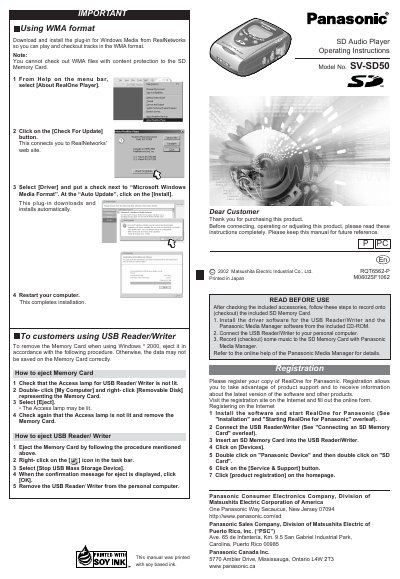
This manual provides operating instructions for the Panasonic SV-SD50 SD Audio Player. It details the installation of the included Panasonic Media Manager software and RealOne for Panasonic player, including steps to install drivers and check for updates. The document also explains how to register the product online for support.
| Operating System (Minimum) | Windows 98, 98SE, Me, 2000 (Professional), XP (Home/Professional) |
|---|---|
| Minimum CPU (Windows 98/Me) | Pentium 233MHz MMX or equivalent |
| Minimum RAM (Windows 98/Me) | 64MB |
| Hard Disk Space (Software) | 100MB |
| Hard Disk Space (Music) | 200MB |
| Sound Card | 16 bit Sound card |
| Display Resolution (Recommended) | 800x600 or higher |
Yes, but you must download and install the RealNetworks plug-in for Windows Media to play and checkout tracks in the WMA format.
No, you cannot check out WMA files that have content protection to the SD Memory Card.