
This document is the operating instructions for the Sony MP100 series digital audio player, which supports MP3 and WMA (DRM) music file playback, has a built-in microphone for voice recording, a built-in FM tuner with recording function, can be used as a portable data storage device, and supports language learning.
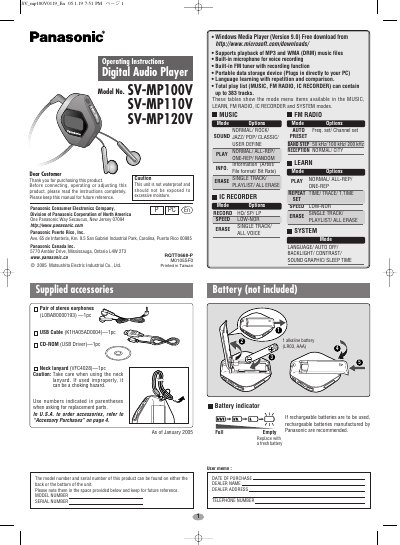
This manual provides operating instructions for the Panasonic SV-MP100V, SV-MP110V, and SV-MP120V Digital Audio Players. The device supports MP3 and WMA playback, features a built-in FM tuner with recording capabilities, and includes an IC recorder for voice notes. It also functions as a portable data storage device when connected via USB.
| Memory size | SV-MP100V: 128 MB, SV-MP110V: 256 MB, SV-MP120V: 512 MB |
|---|---|
| Supported sampling frequency (MP3) | 32 kHz, 44.1 kHz, and 48 kHz |
| Frequency response (MUSIC) | 20 Hz to 20,000 Hz (+0 dB, -6 dB) |
| Power supply | DC 1.5 V (one alkaline battery) |
| Cabinet dimensions | 53.2 x 61.1 x 17.5 mm |
The unit supports playback of up to 383 tracks.
No, MP3 and WMA files in this unit can't be uploaded to a PC.
All the data you were recording at the time will be lost.
Slide the HOLD switch to ON, turn the unit on, press the Play button 3 times, then press the Stop button.