
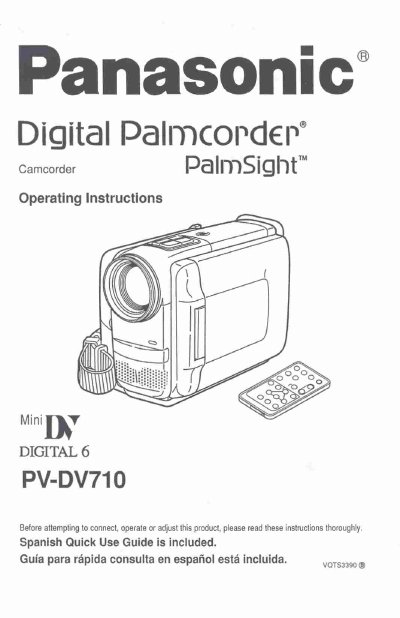
Panasonic PV-DV710 Digital Palmcorder Operating Instructions


Panasonic PV-DV710 Digital Palmcorder Operating Instructions - cover page
Brand
Panasonic
Category
Camcorders
Document type
User Manual
Language
English
Pages
64
File format
PDF
File size
1.8 MB
Published
09 August, 2012
Updated
29 August, 2012
MD5 checksum
44EB54FF2076D2DCE6DEBC0EA8D03901

About this manual

This manual provides operating instructions for the Panasonic PV-DV710 Digital Palmcorder. It details the included accessories, safety precautions, and basic setup procedures such as attaching the shoulder strap and setting the clock. The guide explains how to use the camera for recording and playing back video and digital photo shots.

What's inside

  • Things You Should Know
  • Safety Precautions
  • Getting Started
  • Supplying Power
  • Camera Recording
  • Playback Your Recordings
  • Special Features
  • Digital Functions
  • Specifications
  • Before Requesting Service

Frequently asked questions

What mode is this Palmcorder designed to record and play back in?

The Palmcorder is designed to record and play back in Standard Play (SP) mode only.

What type of cleaning cloth is recommended for the unit?

You should use a dry cloth for cleaning the video unit.

What specific items should not be placed on or near the video unit?

Do not place the video unit on a bed, sofa, rug, or near a radiator or heat register.

Download PDF (1.8 MB)

More Panasonic Manuals


View all Panasonic manuals →