
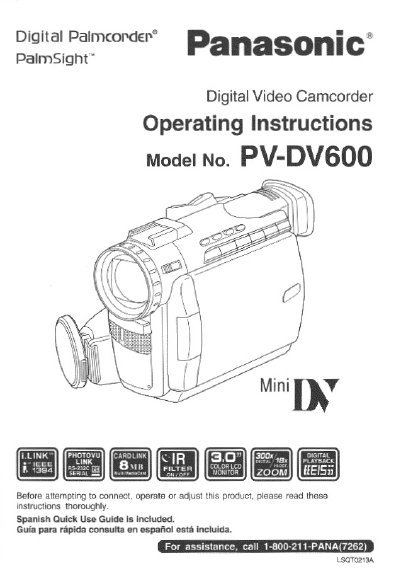
Panasonic PV-DV600 Digital Video Camcorder Operating Instructions


Panasonic PV-DV600 Digital Video Camcorder Operating Instructions - cover page
Brand
Panasonic
Category
Camcorders
Document type
User Manual
Language
English
Pages
92
File format
PDF
File size
2.2 MB
Published
09 August, 2012
Updated
30 August, 2012
MD5 checksum
B0B1F4BA7E68A86D2EB42736847D1EFA

About this manual

This document is the operating instructions for the Panasonic PV-DV600 Digital Palmcorder, a Digital Video Camcorder also referred to as PalmSight. It begins with introductory information, unpacking contents, and important safety safeguards.

The manual states the camcorder records and plays back in Standard Play (SP) mode and Long (LP) mode, and includes a Spanish Quick Use Guide. It also provides contact information for assistance at 1-800-211-PANA(7262).

What's inside

  • Things You Should Know
  • Unpack your Camcorder
  • Important Safeguards
  • Cleaning
  • Water and Moisture
  • Ventilation
  • Power Sources
  • Grounding or Polarization
  • Power-Cord Protection
  • Lightning

Specifications

Model numberPV-DV600
Recording/playback modeStandard Play (SP) mode
Long recording modeLong (LP) mode
Included AC adaptorPV-DAC10

Frequently asked questions

What model is this camcorder?

The model number is PV-DV600.

What should I do before operating the camcorder?

Read these instructions thoroughly before attempting to connect, operate or adjust the product.

What number can I call for assistance?

Call 1-800-211-PANA(7262) for assistance.

What AC adaptor is included?

The included AC adaptor is the PV-DAC10.

Download PDF (2.2 MB)

More Panasonic Manuals


View all Panasonic manuals →