
Panasonic PV-DV702 Digital Video Camcorder Operating Instructions

This manual provides detailed instructions on how to operate the Panasonic PV-DV702 Digital Video Camcorder.
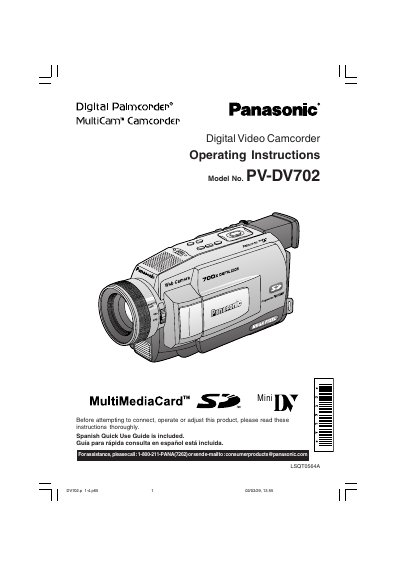

Panasonic PV-DV702 Digital Video Camcorder Operating Instructions - cover page
Brand
Panasonic
Category
Camcorders
Document type
User Manual
Language
English
Pages
120
File format
PDF
File size
11 MB
Published
09 August, 2012
Updated
30 September, 2023
MD5 checksum
9AF6A3ED112E48E51D4C52BE9F41AB97

About this manual

This document provides operating instructions for the Panasonic PV-DV702 MultiCam Digital Video Camcorder. It includes important safety precautions, such as warnings against exposing the equipment to rain or moisture and ensuring proper ventilation. The manual also details the recording modes available, specifically Standard Play (SP) and Long (LP).

What's inside

  • Things You Should Know
  • Safety Precautions
  • Important Safeguards
  • Recording Modes
  • Declaration of Conformity
  • FCC Warning

Specifications

Recording ModesStandard Play (SP) mode and Long (LP) mode

Frequently asked questions

What recording modes does the PV-DV702 support?

The camcorder is designed to record and play back in Standard Play (SP) mode and Long (LP) mode.

What modes is the Panasonic PV-DV702 designed to record and play back in?

The device is designed to record and play back in Standard Play (SP) mode and Long (LP) mode.

What type of cleaning cloth should be used for the video unit?

You should use a dry cloth for cleaning the video unit.

What safety precaution is required before cleaning the video unit?

You must unplug the video unit from the wall outlet before cleaning it.

Download PDF (11 MB)

More Panasonic Manuals


View all Panasonic manuals →