
This is the operating instructions of Panasonic PV-DV201/PV-DV401 digital video camcorder
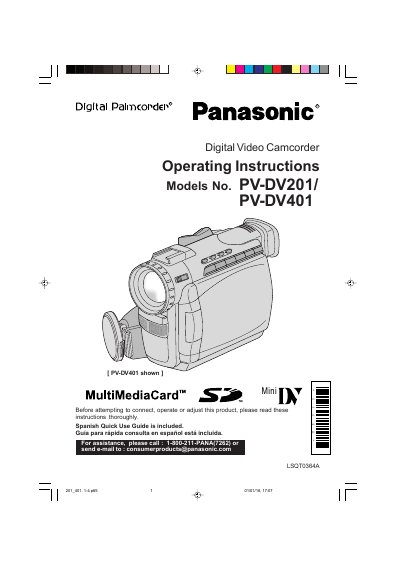
This is the Operating Instructions for the Panasonic PV-DV201/PV-DV401 Digital Video Camcorder, referred to in the document as the Mini Palmcorder. A Spanish Quick Use Guide is included.
The provided pages cover safety precautions, important safeguards, use and location warnings, and care and cleaning guidance. The camcorder records and plays back in Standard Play (SP) and Long (LP) modes and uses Mini-marked cassette tapes.
| Recording/playback modes | Standard Play (SP) and Long (LP) |
|---|---|
| Tape type | Cassette tapes with the Mini mark |
The instructions cover models PV-DV201 and PV-DV401.
Read the instructions thoroughly before connecting, operating, or adjusting the product.
It is designed to record and play back in Standard Play (SP) mode and Long (LP) mode.
The serial number is on the tag located on the underside of the Palmcorder.