
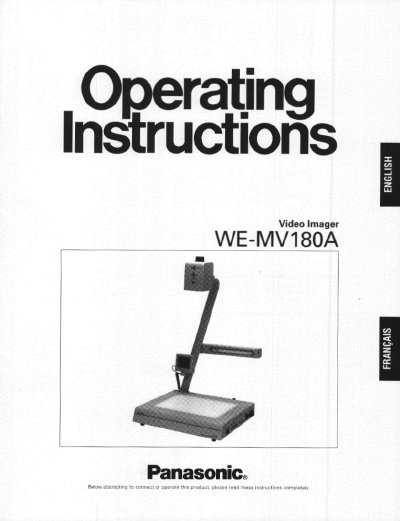
The Panasonic WE-MV180A Video Imager is designed for showing images of documents or objects to an audience by projecting them on a video monitor. It features a rotating camera, a 12x power zoom lens, and a stage with backlighting for transparencies or film. The unit includes an LCD monitor and various input/output connectors for audio and video signals.
| Horizontal Resolution | 460 lines |
|---|---|
| Vertical Resolution | 350 lines |
| Zoom | 12 X power zoom lens |
| Input Power | 120V AC 60 Hz |
| Operating Temperature | 5°C - 35°C |
| Relative Humidity | below 80% |
| Weight | 7.9 kg (17.4 lb) |
| Dimensions | 400 x 688 x 365 mm |
Press the Focus Lock Button (FOCUS LOCK). The LED indicator will light to indicate the Lock mode is selected.
Place the negative film on the stage, zoom to the proper size, then press the Nega Button followed by the White Balance button.
No, the appliance does not have a built-in power amplifier unit, so do not connect speakers directly to the AUDIO OUT connectors.