
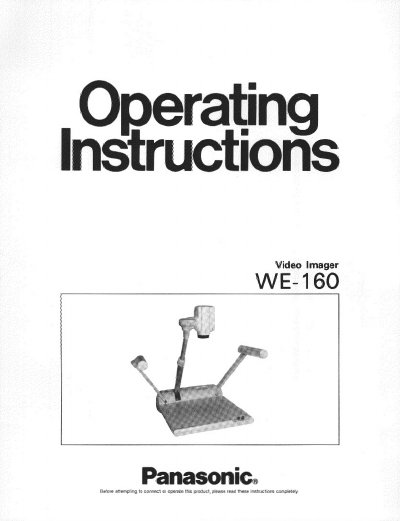
The Panasonic WE-160 is a Video Imager designed for viewing documents or objects on a video monitor. It features a rotating camera, high-resolution digital processing, and a 682 horizontal pixels CCD image sensor. The unit includes a 10x power zoom lens, close-up lens, and optional backlight support for transparent films.
| Horizontal Resolution | 430 lines |
|---|---|
| Signal-to-Noise Ratio | 46 dB |
| Minimum Scene Illumination | 0.3 footcandle (3 lux) at F1.4 |
| Input Power Source | 120V AC 60 Hz |
| Operating Temperature | -10°C - 40°C |
| Operating Humidity | below 90% |
The minimum scene illumination is 0.3 footcandle (3 lux) at F1.4.
Yes, an optional backlight unit WE-163 allows for viewing of transparent film or 35 mm color slides.
The appliance should be operated where temperatures are within 14°F - 104°F (-10°C - 40°C).