
This document provides instructions and precautions for using the Panasonic VDR-D300 and VDR-D250 DVD video cameras. It covers topics such as computer connectivity, disc and card management, editing, playback, and recording.
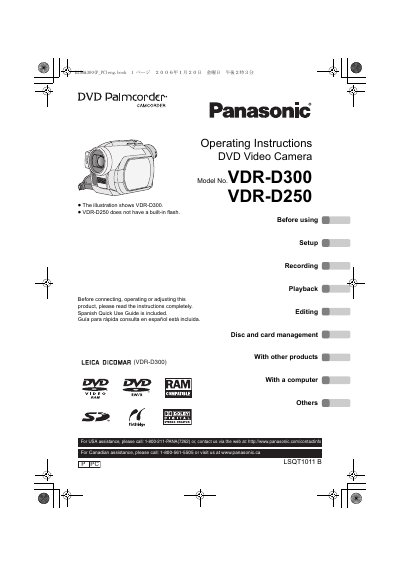
This manual provides operating instructions for the Panasonic VDR-D300 and VDR-D250 DVD video cameras. It covers essential safety precautions, setup procedures, and usage guidelines for recording, playback, and editing video content on discs. The illustrations primarily depict the VDR-D300 model, though some functions may vary between models.
This manual covers the Panasonic VDR-D300 and VDR-D250 DVD Video Cameras, which are designed for recording and playing back video.
The VDR-D250 model does not have a built-in flash, unlike the VDR-D300.
The device must not cause harmful interference and must accept any interference received, including interference that may cause undesired operation.