
This lens can be attached to Panasonic digital HD video cameras with a 49mm or 46mm filter diameter to obtain a wider angle of view and clear images through multi-coating.
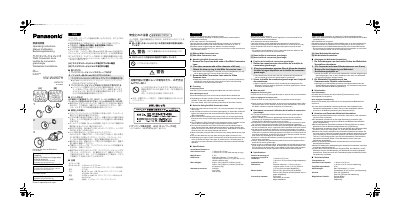
This is the Panasonic operating instructions for the VW-W4907H Wide Conversion Lens (document number VQT4C73). The lens is mounted on a Panasonic high-definition video camera with a filter diameter of 49 mm or 46 mm; the supplied step up ring allows use on 46 mm cameras. Multiple coatings are added to provide a clearer image. The video camera is sold separately.
The sheet explains how to attach the lens and the step up ring, how to adjust focus using the [T] and [W] zoom levers, and gives notes on use and cleaning, including that using a filter together with the lens is not recommended and that vignetting may occur at the widest zoom position. It closes with specifications, standard accessories and warranty/contact addresses for the U.S.A., Canada and other countries.
| Screw mount diameter on video camera lens | 49 mm (P0.75 mm); 46 mm (P0.75 mm) with the step up ring |
|---|---|
| Magnification | 0.75x |
| Maximum diameter | 74 mm (2.91q) |
| Overall length | 35 mm (1.37q); 38.5 mm (1.51q) with the step up ring |
| Mass (weight) | Approx. 236 g (body); approx. 240 g with the step up ring |
| Standard accessories | Soft bag, lens caps, step up ring |
It fits Panasonic high-definition video cameras with a filter diameter of 49 mm or 46 mm; the 46 mm cameras require the supplied step up ring.
Push the [T] zoom lever to enlarge the subject you want to focus on, then zoom back with the [W] zoom lever until the subject has the desired size.
No, it is not recommended to use the wide conversion lens together with a filter.
Remove dust with a blower brush and wipe carefully with special lens tissue or a soft cloth; do not use benzine, paint thinner or alcohol.