
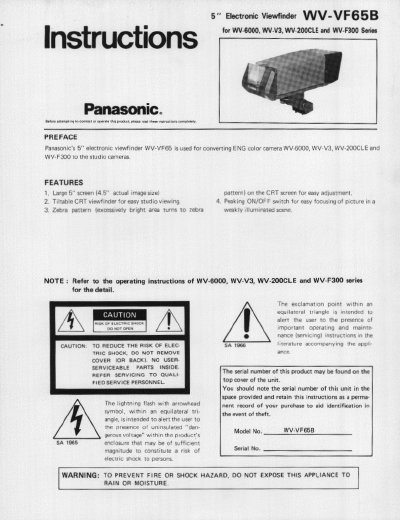
This manual provides installation instructions for the Panasonic WV-VF65B 5-inch electronic viewfinder. The device is designed to convert ENG color cameras, specifically the WV-6000, WV-V3, WV-200CLE, and WV-F300 series, into studio cameras. It features a large 5-inch screen with a 4.5-inch actual image size, a tiltable CRT viewfinder, and a peaking ON/OFF switch for easy focusing.
| Visual Size | 4.5" actual visual size |
|---|---|
| Power Source | +12V DC |
| Power Consumption | 13.2 watts |
| Horizontal Resolution | 500 lines at center |
| Switches | Tally ON/OFF, Peaking ON/OFF |
| Controls | Contrast, Brightness |
| Display | NTSC signal |
| Indicator | Level Indicator (Zebra pattern) |
| Dimensions | 6-1/8" (W) x 8-3/8" (H) x 14-1/4" (D) |
| Weight | 6.3 lbs |
It is used for converting ENG color cameras WV-6000, WV-V3, WV-200CLE and WV-F300 to the studio cameras.
The screen has a 5-inch size with a 4.5-inch actual image size.
The unit requires +12V DC power supplied from the camera head.