
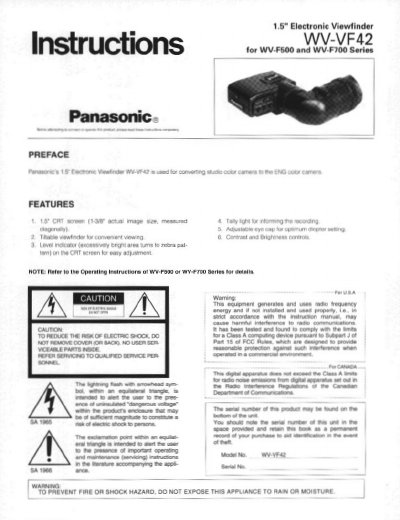
This document provides installation instructions for the Panasonic WV-VF42 electronic viewfinder, a 1.5-inch CRT screen accessory designed for WV-F500 and WV-F700 series cameras. The viewfinder features a tiltable design, contrast and brightness controls, and a level indicator with a zebra pattern for easy adjustment.
| Visual Size | 1-3/8" actual image size |
|---|---|
| Horizontal Resolution | 600 lines at center |
| Display | NTSC Composite |
| Weight | 1.5 lbs (0.67 kg) |
The WV-VF42 is used for converting studio color cameras to the ENG format, specifically for WV-F500 and WV-F700 Series.
The viewfinder includes Contrast, Brightness, and Peaking controls.