
I-Tech HD is a high-performance amplifier that is suitable for applications that require high sound quality and high power.
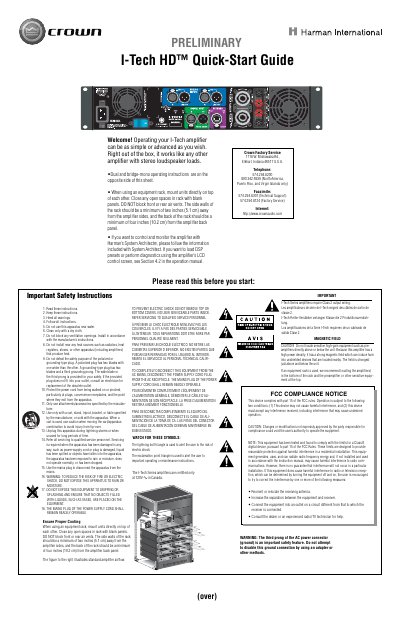
This document serves as a Quick-Start Guide for the Crown I-Tech HD amplifier, providing essential instructions for initial setup and operation. It details how to mount the unit in an equipment rack, ensuring proper ventilation and rack spacing to prevent overheating. The guide also explains how to use the amplifier with Harman's System Architect software and directs users to the full operation manual for advanced features like DSP presets.
The amplifier requires Class 2 output wiring to be used.
The side walls of the rack must be at least two inches away from the amplifier sides.
The back of the rack should be at least four inches away from the amplifier back panel.