
This manual provides installation instructions, wiring diagrams for RGB lighting, and troubleshooting tips for the Crown AC140 140mm fan.
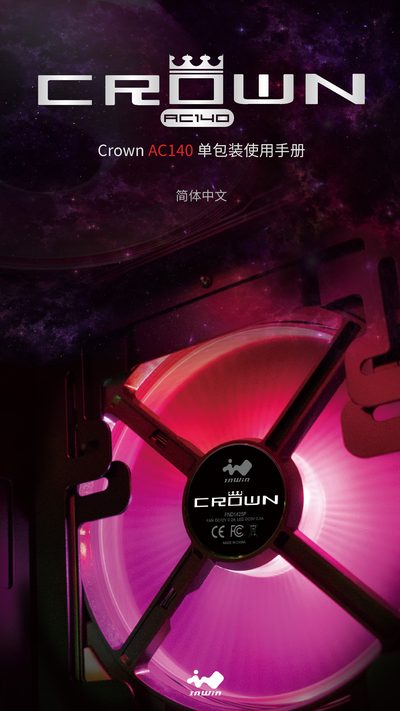
The Crown AC140 is a 140mm fan featuring an integrated blade and frame design for high static pressure. It includes programmable RGB lighting that requires a motherboard with an Addressable RGB header to function properly.
This guide covers the contents of the package, step-by-step installation procedures including power disconnection and cable connections, and safety precautions such as avoiding liquids and ensuring proper ventilation. This manual is written in Chinese.
| Dimensions | 140 x 140 x 25mm |
|---|---|
| LED Feature | Programmable Addressable RGB |
| Bearing Type | Long-life Sleeve Bearing |
Yes, it requires a motherboard with an Addressable RGB header.
Up to 5 fans can be connected using the included cables; more than 5 requires a second RGB cable.