
This manual provides installation instructions and specifications for the Crown AC120 dual-pack computer fan, featuring programmable RGB lighting.
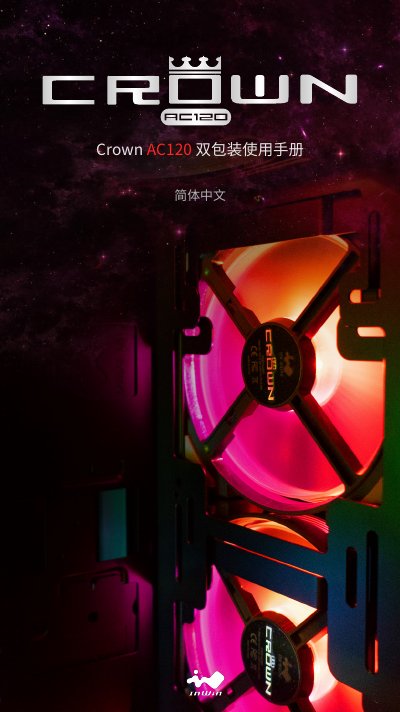
The Crown AC120 is a 120mm computer fan designed with high static pressure and concentrated airflow. This dual-pack package includes two fans, mounting screws, modular cabling for daisy-chaining up to six units, and an addressable RGB controller. The fans feature a one-piece frame design for efficient cooling. This manual is written in Chinese.
| Dimensions | 120 x 120 x 25mm |
|---|---|
| Bearing Type | Long-life Sleeve Bearing |
You can connect up to six fans in a series using the provided cabling.
Pressing and holding the button turns off the lighting effects.
Yes, you can connect the SATA power input and fan main cable to the built-in module controller to switch between 11 lighting modes.