
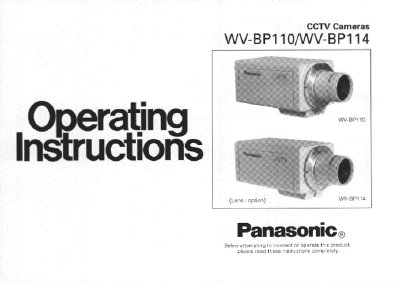
The Panasonic WV-BP110 series introduces high picture quality through a 1/3 inch interline transfer CCD with 512 horizontal pixels. Key features include a minimum illumination of 0.015 footcandle at F1.4, 380 lines of horizontal resolution, and an Electronic Light Control (ELC) function that allows shooting indoor scenes with fixed iris lenses.
| Pick-up Device | 512 (H) x 492 (V) pixels. Interline Transfer CCD |
|---|---|
| Horizontal Resolution | 380 lines |
| Signal-to-Noise Ratio | 46 dB |
| Power Source (WV-BP110) | 120V AC 60 Hz |
| Ambient Operating Temperature | -30°C - +50°C (-22°F - 122°F) |
Yes, by using the Electronic Light Control (ELC) function, you can shoot indoor scenes with a fixed or manual iris lens.
Rotate the Flange-back Adjusting Ring counterclockwise to adjust the back focal length or picture focus.