
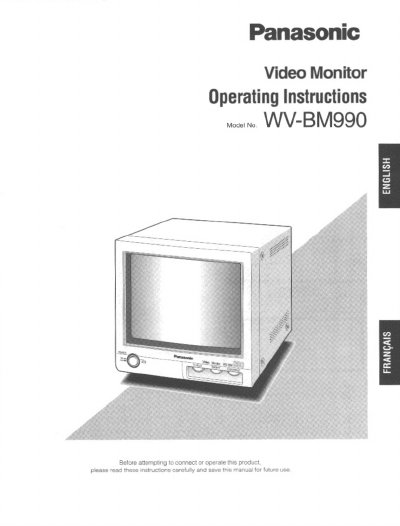
Panasonic WV-BM990 Video Monitor Operating Instructions


Panasonic WV-BM990 Video Monitor Operating Instructions - cover page
Brand
Panasonic
Category
Monitoring Equipment
Document type
User Manual
Language
English
Pages
12
File format
PDF
File size
481 KB
Published
08 August, 2012
Updated
21 August, 2012
MD5 checksum
8A3BD87995762C8E69B8FD6FB90F3798

About this manual

This manual provides operating instructions for the Panasonic WV-BM990 video monitor, a 10-inch black and white display with a horizontal resolution of more than 800 lines. The device features looped video input and output via BNC connectors and can be mounted on an optional rack bracket.

What's inside

  • Preface
  • Features
  • Precautions
  • Major Operating Controls
  • Connections
  • Installation
  • Specifications
  • Optional Accessory

Specifications

Screen Size220 mm (8-11/16 inches) diagonal visual size
Horizontal ResolutionMore than 800 lines in center
Power Source120 V AC, 60 Hz
Ambient Operating Temperature-10°C - +50°C

Frequently asked questions

How many monitors can be hooked up in a loop?

Up to 10 monitors can be hooked up in a loop before signal loss occurs.

What is the recommended distance from the wall for ventilation?

Place the appliance at least 5 cm (2 inches) away from the wall.

Download PDF (481 KB)

More Panasonic Manuals


View all Panasonic manuals →