
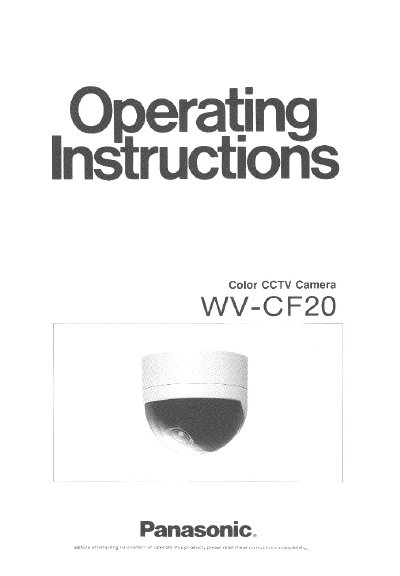
This manual provides operating instructions for the Panasonic WV-CF20, a decorative surveillance camera featuring a 1/3-inch interline transfer CCD image sensor with 330,000 pixels. It includes details on built-in features such as Auto Gain Control (AGC) and Auto Tracking White Balance Control (ATW), as well as an internal microphone for audio capabilities when connected to an optional drive unit.
The document covers major operating controls located on the rear panel, including switches for AGC, Back Light Compensation (BLC), picture detail, and microphone, along with audio and light controls. It also details the physical components like the panning table, camera head, focus ring, and zoom ring, providing guidance on their functions and usage.
| Image Sensor | 1/3-inch interline transfer CCD |
|---|---|
| Resolution | 330,000 pixels |
| Built-in Controls | Auto Gain Control (AGC) and Auto Tracking White Balance Control (ATW) |
| Audio | Built-in internal microphone |
| Max Cable Length (3C-2V) | 200m |
| Max Cable Length (5C-2V) | 500m |
| Operating Temperature | -10°C to +50°C |
| Max Humidity | 90% |
The camera is designed for indoor use only.
No, audio is available only by connection with the optional Camera Drive Unit, WV-PS11A.
The maximum cable length is 200m.
It may cause smear on the image.