
Panasonic UF890 Fax Machine Operating Instructions

This manual introduces the basic operations and functions of the UF-890 facsimile machine
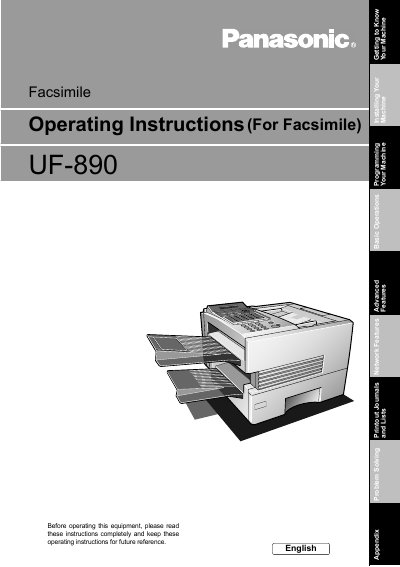

Panasonic UF890 Fax Machine Operating Instructions - cover page
Brand
Panasonic
Category
Fax machine
Document type
User Manual
Language
English
Pages
169
File format
PDF
File size
4.1 MB
Published
08 August, 2012
Updated
30 September, 2023
Model
UF-890
MD5 checksum
9BB3F250B555A090E04A03B3B08FE76E

About this manual

This manual provides comprehensive operating instructions for the Panasonic UF890 facsimile machine. It covers essential topics such as getting to know your machine, safety information, and basic operations including loading documents and sending/receiving faxes. The guide details how to set up various parameters like dialing methods, volume settings, and user IDs.

What's inside

  • Getting to Know Your Machine
  • Installing Your Machine
  • Programming Your Machine
  • Basic Operations
  • Sending Documents
  • Receiving Documents
  • Making Copies
  • Advanced Features
  • Printout Journals and Lists
  • Troubleshooting

Specifications

Copyright Year2001
Printed LocationJapan

Frequently asked questions

Where is the model and serial number plate located?

The model and serial number plate (Main Name Plate) is located on the machine.

What should be done before operating the equipment?

Read the instructions completely and keep them for future reference.

Download PDF (4.1 MB)

More Panasonic Manuals


View all Panasonic manuals →