
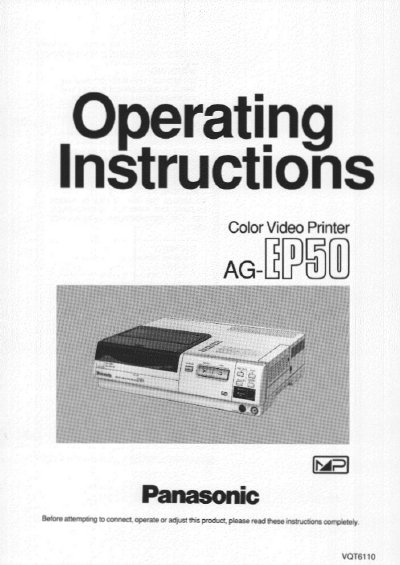
Panasonic AG-EP50 Color Video Printer Operating Instructions


Panasonic AG-EP50 Color Video Printer Operating Instructions - cover page
Brand
Panasonic
Category
Other Electronics
Document type
User Manual
Language
English
Pages
40
File format
PDF
File size
1.2 MB
Published
08 August, 2012
Updated
21 August, 2012
MD5 checksum
7DB73623C150E2AB492F391A818EE54C

About this manual

This document provides operating instructions for the Panasonic AG-EP50 Color Video Printer. It details preparations, controls, and connections required to use the device with various video sources such as VCRs, movie cameras, and external remote controllers. The manual explains how to insert paper and ink cassettes and describes the front and rear panel components.

What's inside

  • Controls and Components
  • Connections
  • Inserting the Printing Paper
  • Inserting the Ink Cassette
  • Normal Printing
  • Multi Print
  • Menu Mode
  • Error Indications
  • Precautions for Safety
  • Supplied Accessory Specifications

Specifications

Power SupplyAC 120 V 50/60 Hz
Paper TypeStandard Type Paper or Adhesive Paper
Input JacksVIDEO and S-VIDEO

Frequently asked questions

What types of paper can be used with this printer?

The printer supports Standard Type Paper and Adhesive Paper, though optional Video Print Sets are recommended.

What does the ERROR lamp indicate?

The ERROR lamp flashes when the paper is jammed or condensation has formed inside the printer.

Download PDF (1.2 MB)

More Panasonic Manuals


View all Panasonic manuals →