
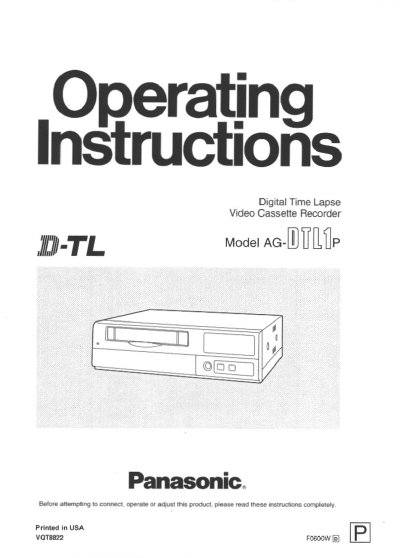
This manual provides operating instructions for the Panasonic AG-DTL1P Digital Time Lapse Video Cassette Recorder. The unit is designed to support up to 16 cameras with built-in frame switching capabilities and allows for digital recordings on S-VHS tapes with high picture quality (up to 520 lines horizontal resolution). It features various recording time modes ranging from 3 hours to 960 hours, as well as alarm and sensor recording functions.
The document details the front and rear panel controls, including buttons for power, recording, review, and ejecting cassettes. It covers initial settings such as date and time configuration, menu navigation for adjusting display and timer modes, and connection instructions for external timers and RS-232C interfaces. The guide also includes procedures for normal playback, still-picture playback, searching recorded data by time or alarm status, and maintenance tips like video head cleaning.
| Horizontal Resolution (High picture quality) | 520 lines |
|---|---|
| Horizontal Resolution (Standard picture quality) | 380 lines |
| Max Cameras Supported | 16 cameras |
Always use S-VHS cassette tapes. If a VHS tape is inserted instead, it will be automatically ejected when the REC button is pressed.
Yes, the pictures recorded by four of the cameras can be selected and played back at the same time on the respective parts of the screen.
During recording, the cameras can be switched over automatically as dictated by the recording time mode.