
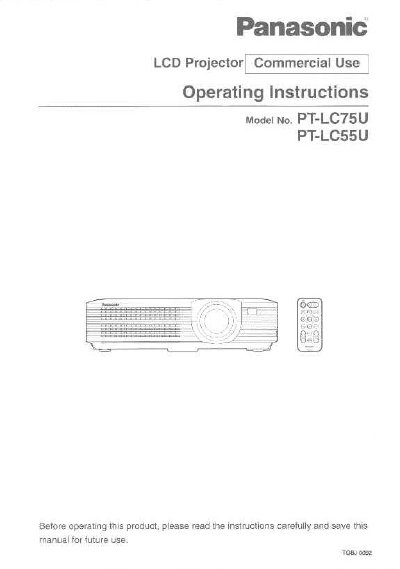
Panasonic PT-LC75U/PT-LC55U LCD Projector Operating Instructions


Panasonic PT-LC75U/PT-LC55U LCD Projector Operating Instructions - cover page
Brand
Panasonic
Category
Projector
Document type
User Manual
Language
English
Pages
64
File format
PDF
File size
1.5 MB
Published
07 August, 2012
Updated
31 August, 2012
MD5 checksum
D5055EF0A84C24690627A787CF44703C

About this manual

This manual provides operating instructions for the Panasonic PT-LC75U and PT-LC55U LCD projectors intended for commercial use. It includes essential safety notices regarding power supply, grounding, and handling to prevent fire or electric shock hazards.

The guide details preparation steps such as storing the remote control unit and inserting batteries. It covers connection examples for video sources and computers, setup procedures including projection methods and position adjustment, and basic operations like turning the power on and off.

What's inside

  • Precautions with regard to safety
  • Accessories
  • Location and function of each part
  • Using the remote control unit
  • Connections
  • Setting-up
  • Basic Operation
  • On-screen menus
  • Advanced Operation
  • Cleaning and replacing the air filter

Frequently asked questions

What is the power supply requirement for this projector?

The LCD Projector is designed to operate on 100 V - 240 V, 50 Hz/60 Hz AC, house current only.

Can I use the accessory power cord for voltages higher than 125V?

No, the supplied accessory cord can only be used for power supplies up to 125 V, 10 A; higher voltages require a separate 250 V power cord.

Download PDF (1.5 MB)

More Panasonic Manuals


View all Panasonic manuals →