
This document is the user manual for ABB Drives FlashDrop MFDT-01, providing information on the features and characteristics of the product.
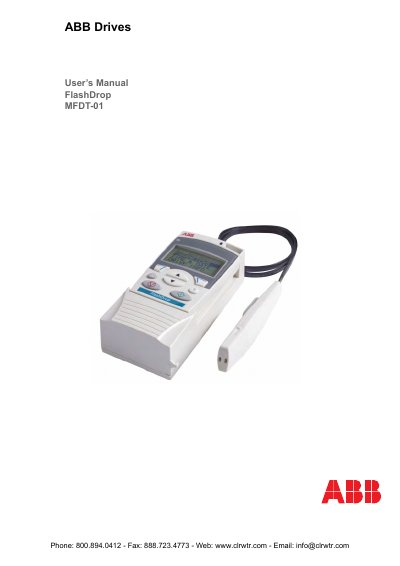
The FlashDrop MFDT-01 is a handheld device designed to edit parameter values and visibility for unpowered drives. It allows users to copy parameters quickly between drives using a programming tip cable. The manual provides instructions on unpacking, charging the unit, and setting up compatibility with specific drive models like ACS150, ACS350, ACS550-01, and ACH550-01.
| Weight | Approximately 0.4 kg (0.88 lb) |
|---|---|
| Time of use with one charge | Approximately four hours |
| Charge time | Approximately 1.5 hours |
| Operating temperature range | -10 to +40°C (14 to 104°F) |
It is compatible with ACS150, ACS350, ACS550-01, and ACH550-01 drives provided they have specific firmware versions or later.
No, you must only use it with an unpowered drive to ensure safety.