
This manual is an installation manual for ACS550-U2 drives, which describes the installation, connection, debugging, etc.
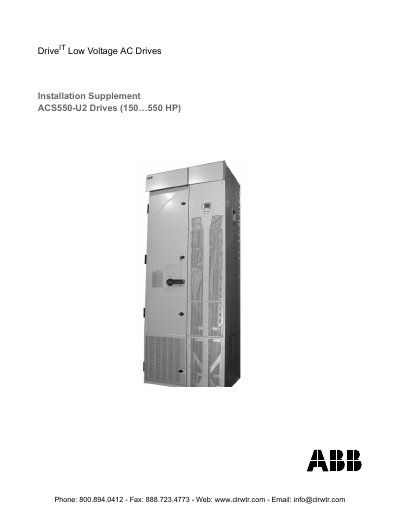
This document serves as an installation supplement specifically for ABB ACS550-U2 AC drives with power ratings from 150 to 550 HP. It provides additional information required for drives that include an extension module attached at the factory, which is not covered in the standard User's Manual.
The guide details the installation process, including planning, moving the unit, and mounting procedures. It also covers specific considerations for connecting power and control cables through the extension module, separating the drive for service access, and provides dimension drawings for the enclosure.
| Power Rating | 150...550 HP |
|---|---|
| Voltage Type | Low Voltage AC |
| Service Type | Field repairable |
The ACS550 adjustable speed AC drive should ONLY be installed by a qualified electrician.
You must wait at least 5 minutes to let the intermediate circuit capacitors discharge.
All connections are routed through the top of the extension module.