
This is a quick reference guide for a remote control, which introduces the functions of the remote control.
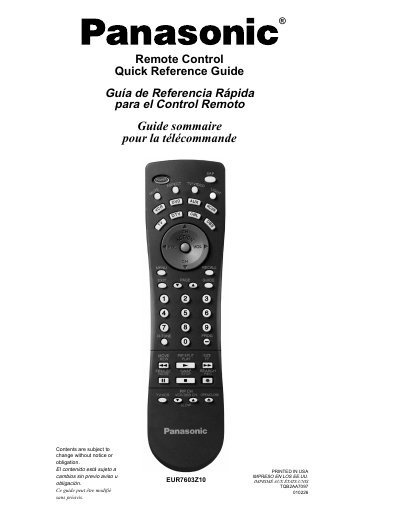
This document is a quick reference guide for the Panasonic EUR7603Z10 universal remote control. It provides instructions in English, Spanish, and French on how to use various buttons such as Power, Mute, Volume, Channel navigation, and input selection.
The guide includes detailed charts explaining which functions are operated by specific keys when targeting different components like TV, VCR, DVD players, Cable boxes, DBS receivers, and auxiliary devices. It also covers advanced features like Picture-in-Picture (PIP), Split Screen, and menu navigation.
It is used to turn components on and off.
Press it to silence the sound, and again to activate or cancel the closed caption mode.