
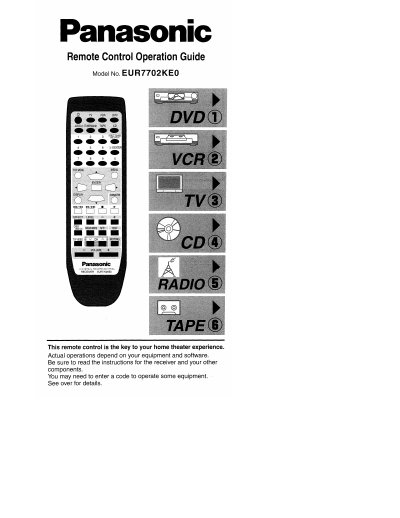
Panasonic EUR7702KE0 Universal Remote Control Operation Guide


Panasonic EUR7702KE0 Universal Remote Control Operation Guide - cover page
Brand
Panasonic
Category
Other Electronics
Document type
User Manual
Language
English
Pages
8
File format
PDF
File size
3.8 MB
Published
07 August, 2012
Updated
24 August, 2012
MD5 checksum
5948FCBD644ED472A6B9FFFC0D3C1742

About this manual

This document serves as an operation guide for the Panasonic EUR7702KE0 Universal Remote Control. It explains how to use the remote to switch on or off various home theater components such as DVD players, VCRs, TVs, CD players, and tape decks by selecting specific input sources.

The guide also details how to adjust sound settings like STEREO, SURROUND, and various effect modes (HALL, CLUB, LIVE, etc.). Additionally, it provides instructions for entering remote control codes to operate Panasonic and Technics audiovisual equipment, as well as other compatible brands.

What's inside

  • Switching on/off
  • Selecting input sources
  • Sound mode selection
  • Changing sound effects
  • Operating the tape deck
  • Listening to radio/CDs/DVDs
  • Entering remote control codes
  • Compatible equipment brands

Frequently asked questions

Does this remote work with Technics equipment?

Yes, the remote control can operate Panasonic and Technics audiovisual equipment that have remote control sensors.

What is the primary function of this remote control?

This device serves as a key to your home theater experience.

Do I need to re-enter codes after changing batteries?

Yes, you must reenter the codes after you change the batteries.

Download PDF (3.8 MB)

More Panasonic Manuals


View all Panasonic manuals →