
STMicroelectronics AN2099 Application Note

Describes how to connect a Host debugger to a target STR71x board, and provides detailed descriptions of the internal characteristics of the STR71x, connection issues, and solutions
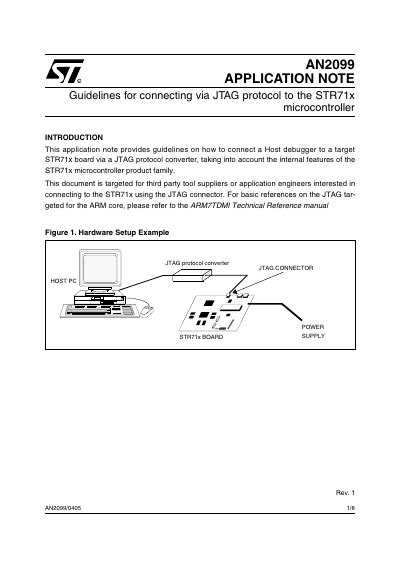

STMicroelectronics AN2099 Application Note - cover page
Brand
STMicroelectronics
Category
microcontrollers
Document type
Application Note
Language
English
Pages
8
File format
PDF
File size
113 KB
Published
07 August, 2012
Updated
30 September, 2023
Model
STR71x
MD5 checksum
E513E56B0116C892A009E5D1798E26C4

About this manual

This application note provides guidelines for connecting a host debugger to a target STR71x microcontroller board via a JTAG protocol converter. It addresses potential connection issues caused by internal features, such as random code in RAM or specific CPU modes like Standby or WFI.

What's inside

  • Introduction
  • Overview
  • Parameters Affecting JTAG Connection
  • Connection Methods
  • JTAG Connection Sequence Example
  • Connection Handshake Protocol
  • Switching from Debug to System Mode

Frequently asked questions

When is it possible to initiate a JTAG connection after a system reset?

The JTAG connection sequence cannot be initiated before phase 3 of the flash initialization procedure.

How long must a debugger wait after asserting DBGRQ before asserting DBGACK?

The host debugger needs to wait 2048 TCK periods before asserting DBGACK.

What clock must be running internally for the STR71x CPU to enter Halt mode via JTAG?

The main CPU clock (MCLK) has to be running internally to connect via JTAG.

Download PDF (113 KB)

More STMicroelectronics Manuals


View all STMicroelectronics manuals →