
This application note describes how to set up the Multi-ICE debug interface target when accessing it for the first time. It assumes that the ICE tool software has been installed. Ensure that the RealView Debugger software is installed first before installing the Multi-ICE software. The document also describes the Multi-ICE interface and ICE server setup.
This document provides instructions for setting up the Multi-ICE debug interface target for the STR7 ARM processor. It assumes that the ICE tool software and RealView Debugger software have already been installed on the host machine.
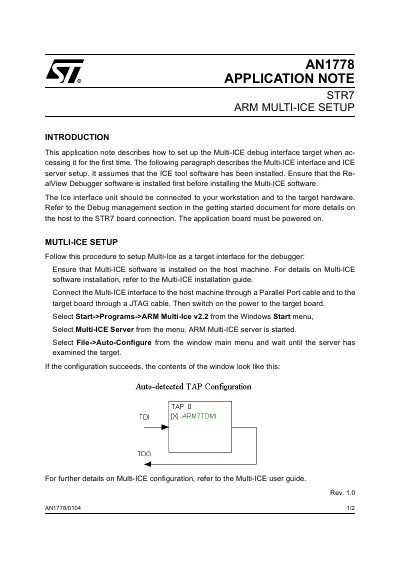
The setup procedure involves connecting the Multi-ICE interface unit to the host machine via a Parallel Port cable and to the target board via a JTAG cable. Users must then start the ARM Multi-ICE server and use the Auto-Configure function to examine the target. The document includes a sample of the auto-detected TAP configuration window.
The RealView Debugger software must be installed first.
Connect it to the host through a Parallel Port cable and to the target board through a JTAG cable.
Select Multi-ICE Server from the menu after opening ARM Multi-Ice v2.2.